#relationships·Jul 17, 2026·6 min read
Fill Rate vs Match Rate: What’s the Difference for Ad Ops?
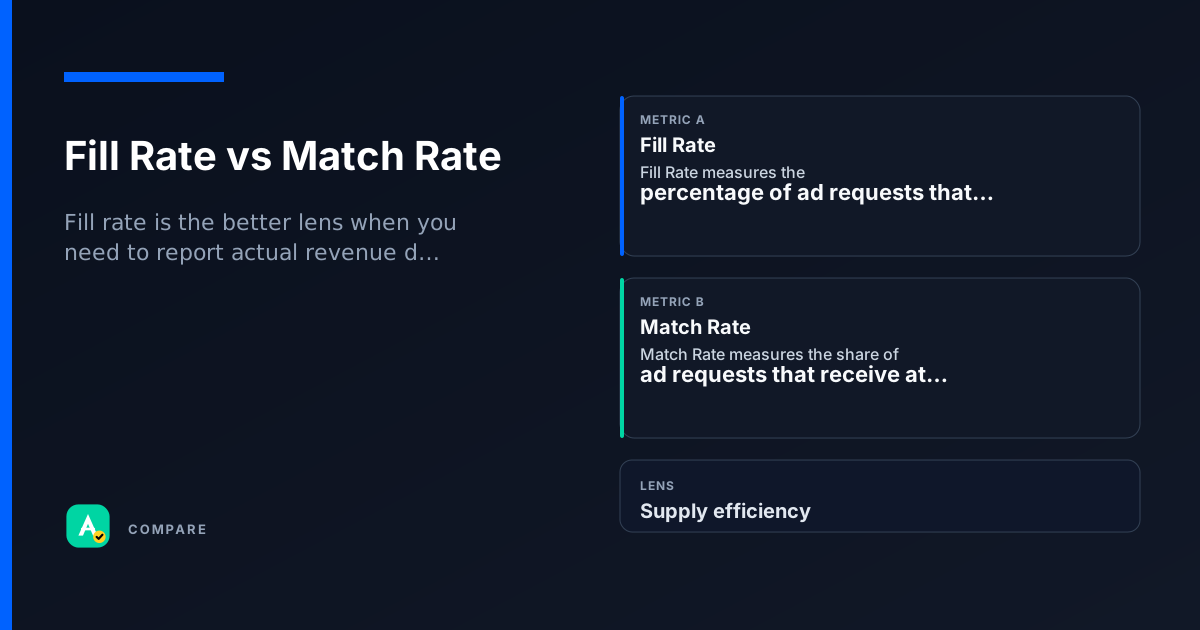
Fill rate measures how many of your ad requests actually return an ad. Match rate measures how many of those requests were eligible to compete in a real-time auction. Both are critical for diagnosing revenue leaks, but they answer different questions.
Core difference: Delivery vs Eligibility
Fill rate = (ads served / ad requests sent) × 100. It tells you how often your inventory actually gets monetized.
Match rate = (requests with at least one bid / requests sent to exchange) × 100. It tells you how often demand partners even see the request.
- Fill rate drops when no ad is returned (e.g., timeout, no creative).
- Match rate drops when the exchange can’t find a buyer (e.g., low floor price, poor audience data).
So what: A high match rate but low fill rate suggests the exchange found bidders but something blocked delivery. A low match rate means the request never reached buyers.
Which to use when
Pick Fill Rate when:
- You want to measure actual revenue delivery.
- You’re troubleshooting why impressions are lower than expected.
- You’re comparing ad server performance across partners.
Pick Match Rate when:
- You want to assess demand health (are buyers interested?).
- You’re optimizing floor prices or audience segments.
- You’re diagnosing why fill rate is low — start with match rate.
Use both together:
- To pinpoint the exact leak: low match rate → demand problem; high match rate + low fill rate → delivery problem.
How they diverge
What they measure
- Fill rate: ads actually served vs requests sent.
- Match rate: requests that reached an auction vs requests sent.
Where they apply
- Fill rate: ad server level (e.g., Google Ad Manager).
- Match rate: exchange or SSP level (e.g., Prebid, Magnite).
Common causes of low values
- Low fill rate: ad server timeout, no eligible creative, ad quality rejection.
- Low match rate: low floor price, poor audience match, bidder timeout.
Where they overlap
Same denominator
Both use total ad requests as the denominator, so they live on the same dashboard.
Both are diagnostic
Neither is a revenue metric on its own — both help you find where money is being left on the table.
Real scenarios
Low fill rate, high match rate
Setup: A publisher sees 90% match rate but only 60% fill rate.
- What happened: Bidders were interested, but the ad server couldn’t serve an ad (timeout, creative size mismatch, or ad quality block).
- What they checked: Ad server logs showed frequent timeouts and missing creatives for certain sizes.
Takeaway: Fix ad server settings, not demand.
Low match rate, high fill rate
Setup: A publisher sees 30% match rate but 95% fill rate.
- What happened: Few requests reached the auction, but those that did almost always got an ad (likely from a remnant line item or house ad).
- What they checked: Floor prices were too high, scaring off bidders.
Takeaway: Lower floor prices or improve audience data to attract more bids.
How they work together
Fill rate is the better lens when you need to report actual revenue delivery or troubleshoot why impressions are missing.
Match rate is the better lens when you want to assess demand health or optimize auction parameters (floor prices, bidder configuration).
Use both when diagnosing a revenue drop: start with match rate to rule out demand issues, then check fill rate for delivery issues.
Side-by-side snapshot
| Lens | Fill Rate | Match Rate |
|---|---|---|
| Definition | Ads served / ad requests | Requests with ≥1 bid / ad requests |
| Tells you | How often inventory is monetized | How often demand is interested |
| Typical cause of low value | Ad server timeout, no creative | Floor price too high, poor audience |
| Where to check | Ad server (Google Ad Manager, etc.) | Exchange / SSP (Prebid, Magnite) |
Common pitfalls
Confusing match rate with fill rate
Why the confusion is wrong: A high match rate doesn’t mean high revenue — it only means bidders showed up. If the ad server then fails to serve, fill rate stays low.
- What to do instead: Always check both metrics in sequence: match rate first, then fill rate.
Ignoring timeout effects
Why the confusion is wrong: A low fill rate is often blamed on demand, but it could be a timeout in the ad server or exchange.
- What to do instead: Monitor timeout rates alongside fill rate and match rate.
Quick check
Test whether you can tell these metrics apart.
single
Which metric uses 'ads served' as the numerator?
Select an answer to continue
For learning only. Not advice on bids or spend.