Jul 17, 2026·7 min read
Auction Latency
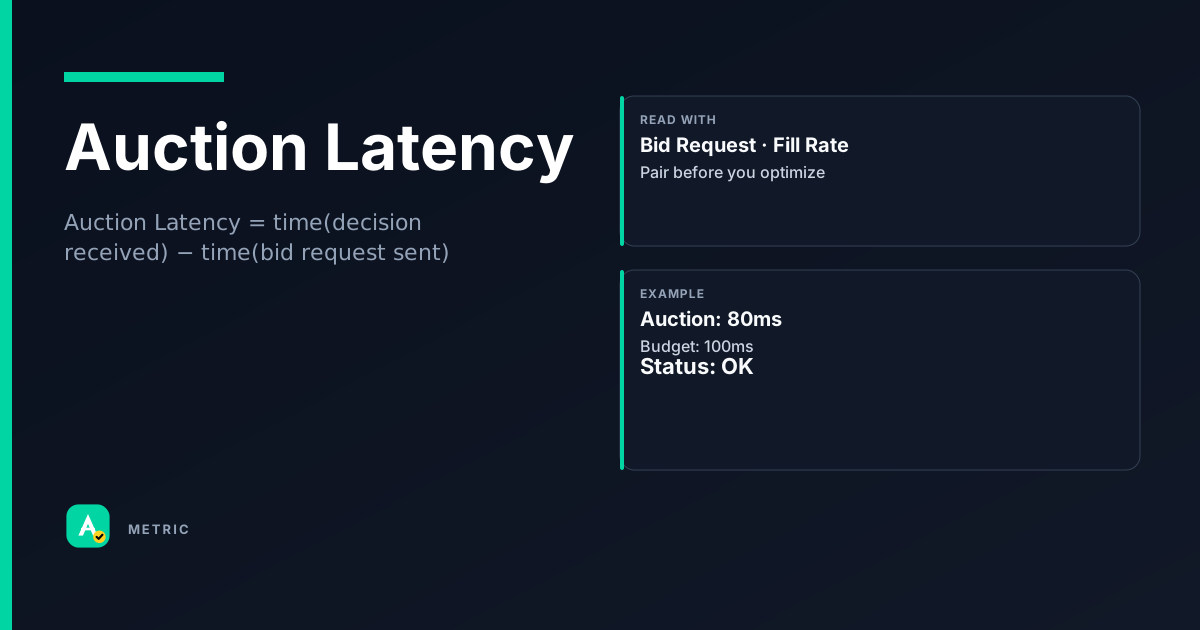
Auction Latency measures the time from when a bid request is sent to when the auction decision is returned and the creative begins loading. Every extra millisecond risks user drop-off, lower viewability, and lost bids. For platforms, latency is the tension between running a deep auction and keeping the page fast.
What it is
Auction latency is the wall-clock time between a publisher’s ad server sending a bid request and receiving a final decision (winning bid, creative URL, or passback). It is a platform-level metric because the auction infrastructure — exchange, SSP, header bidding wrapper — controls most of the clock.
Latency is not one number. It is a chain:
- Network round-trip — request reaching bidder and response returning.
- Bidder processing — how fast the bidder evaluates the user, applies floors, and runs its internal auction.
- Wrapper waterfall — in header bidding, each adapter waits for its timeout before the next runs.
- Ad server decision — the final server-side call that picks the winner.
The user-visible cost
Every 100 ms of added latency reduces page-view completion rates. The effect compounds on mobile, where network conditions are worse and users are less patient. Platforms that optimize only for fill rate or win rate without monitoring latency often degrade viewability and, ironically, lower effective CPMs because fewer impressions render fully.
How it is calculated
Auction Latency = time(decision received) − time(bid request sent)
All times are measured at the platform (SSP, exchange, or header bidding wrapper). The unit is milliseconds.
Important caveats
- Start point varies. Some platforms measure from when the ad call leaves the browser; others from when it enters the auction engine. Always check the vendor’s definition.
- Timeout ≠ latency. A 500 ms timeout does not mean every auction takes 500 ms. Latency is the actual time, which should be well below the timeout.
- Aggregation hides tails. Average latency can look fine while the 95th percentile causes real user pain. Monitor p50, p95, and p99 separately.
- Creative download is excluded. Latency stops when the decision is returned, not when the ad renders. Render time is a separate metric (often called “creative load time”).
How to read it in a dashboard
A single latency number is nearly useless. Read it in distribution:
- p50 (median) — typical user experience. Should be under 200 ms for server-side auctions and under 400 ms for client-side header bidding.
- p95 — the slowest 5% of auctions. If this exceeds the timeout, you are losing bids to timeouts.
- p99 — extreme outliers. Often caused by a single slow bidder or network blip.
What to pair it with
- Bid Request volume — a sudden latency spike with a drop in bid requests suggests the auction is timing out before requests complete.
- Fill Rate — if latency is high and fill rate is also high, you may be running auctions that are too deep, hurting UX for marginal revenue.
- Win Rate — a low win rate combined with high latency often means the timeout is too short for competitive bidders to respond.
Easy mistake
A common Slack message: “Latency looks fine at 180 ms average, so we can add two more bidders.” Check p95 first. If p95 is 900 ms, those new bidders will push it over the timeout, and you will see zero incremental revenue while slowing down every page.
What usually moves this metric
Levers that reduce latency
- Shorten timeouts. Prebid and most SSPs let you set per-adapter timeouts. Cutting from 1000 ms to 500 ms reduces p95 directly — but may drop some slow bidders.
- Move to server-side auctioning. Server-side header bidding (e.g., Prebid Server, Amazon TAM) eliminates client-side waterfall latency. The tradeoff is less control over bidder connections.
- Reduce number of bidders. Each additional bidder adds network and processing time. Test whether the marginal bidder actually wins enough to justify the latency cost.
- Optimize bidder selection. Use bidder “shortlists” based on historical win rates for the user segment. Don’t call a bidder that never wins on this inventory.
- Use concurrent bidding. Client-side wrappers that call all bidders in parallel (instead of sequentially) collapse the waterfall into one round-trip.
Levers that increase latency (be careful)
- Adding floors or complex deal logic. Every extra rule the bidder must evaluate adds processing time.
- Rich user signals. Passing full user IDs, device graphs, or custom segments increases request payload size and parsing time.
- Multi-format auctions. Requesting video, display, and native in the same call can slow bidder decision engines.
Tradeoffs
Timeout vs. demand depth is the classic platform tradeoff. A 200 ms timeout gives great UX but may exclude bidders that need 300 ms to respond. A 1000 ms timeout captures more bids but hurts viewability and page load.
When you should NOT chase this metric: If your fill rate is already above 95% and viewability is healthy, optimizing latency further may reduce revenue by cutting off valuable bidders. Latency is a constraint, not a goal. Optimize until the user experience is acceptable, then stop.
Formula
Measured at the platform level; excludes creative download time. Always check whether the vendor counts from browser or server.
Scenarios
The over-eager timeout cut
A mobile SSP noticed p95 latency at 1100 ms and cut all bidder timeouts from 1000 ms to 400 ms.
- Cause: The timeout was set per-bidder, but the wrapper ran bidders sequentially. Total latency was sum of all timeouts.
- Fix: Switched to concurrent bidding and kept per-bidder timeout at 400 ms. p95 dropped to 450 ms.
- Takeaway: Changing timeout without changing auction architecture can backfire. Understand the waterfall before turning knobs.
The slow bidder that looked cheap
A publisher added a new exchange with a very low floor price. Fill rate went up 2%, but p95 latency jumped from 600 ms to 950 ms.
- What happened: The new exchange consistently took 800 ms to respond, blocking faster bidders in the sequential waterfall.
- What they did: Moved the slow exchange to a parallel call with a shorter timeout (300 ms). Lost the cheap bids but recovered page speed.
- Takeaway: Cheap bids are not free. Account for latency cost when evaluating new demand partners.
The server-side migration
A large news publisher migrated from client-side Prebid to Prebid Server.
- Setup: Client-side p95 was 1200 ms with 8 bidders. Server-side p95 dropped to 350 ms.
- Result: Viewability improved from 58% to 72%, and effective CPM rose because more impressions rendered fully.
- Takeaway: Server-side auctioning is the single biggest latency lever for high-traffic publishers. The tradeoff is less transparency into individual bidder behavior.
Common pitfalls
Optimizing average instead of tail
A dashboard shows average latency of 180 ms, so the team assumes everything is fast.
- What to do instead: Always monitor p95 and p99. A few very slow auctions can wreck UX without moving the average much. Set alerts on p95 thresholds.
Confusing latency with timeout
A platform reports “latency: 500 ms” because that is the timeout setting, not the actual measured time.
- What to do instead: Measure actual round-trip time from request to decision. Timeout is a cap, not a measurement. If actual latency is 50 ms, reporting 500 ms hides the real performance.
Adding bidders without testing latency impact
A publisher adds a new bidder because it offers high floors, ignoring that it takes 600 ms to respond.
- What to do instead: Run an A/B test with and without the new bidder. Measure not just revenue but also p95 latency and viewability. A bidder that slows the page can cost more in lost viewability than it earns in extra CPM.
Summary
Auction latency is the clock that governs the tradeoff between demand depth and user experience. Every platform decision — timeout length, number of bidders, server-side vs. client-side — moves this number.
- Watch the tail, not the average. p95 and p99 tell the real story.
- Pair latency with fill rate and win rate. A low-latency auction that wins no bids is useless.
- Stop optimizing when UX is acceptable. Beyond that point, you are trading revenue for milliseconds that users do not notice.
Quick check
Confirm you understood this article.
single
What does auction latency measure?
Select an answer to continue
Related metrics
References
- Prebid.org — header bidding timeout guidance (industry practice reference)
- IAB Tech Lab — OpenRTB real-time auction timing context (conceptual reference)
- Google Ad Manager Help — ad latency and page speed documentation (conceptual reference)
For learning only. Not advice on bids or spend.
You may also like
Metrics
Bid Request (OpenRTB)
A Bid Request is the message an ad exchange sends to bidders (DSPs) to describe available inven…
AuctionMetrics
Fill Rate
Fill Rate measures the percentage of ad requests that result in a served ad.
SupplyMetrics
Win Rate
Win Rate is the percentage of auctions in which a bidder wins the impression.
AuctionMetrics
Average Order Value (AOV)
Average Order Value (AOV) measures the average revenue generated per order placed.
Value