#relationships·Jul 17, 2026·6 min read
Bid Request vs Auction Latency: Which Metric Tells You More About Your Ad Auction Health?
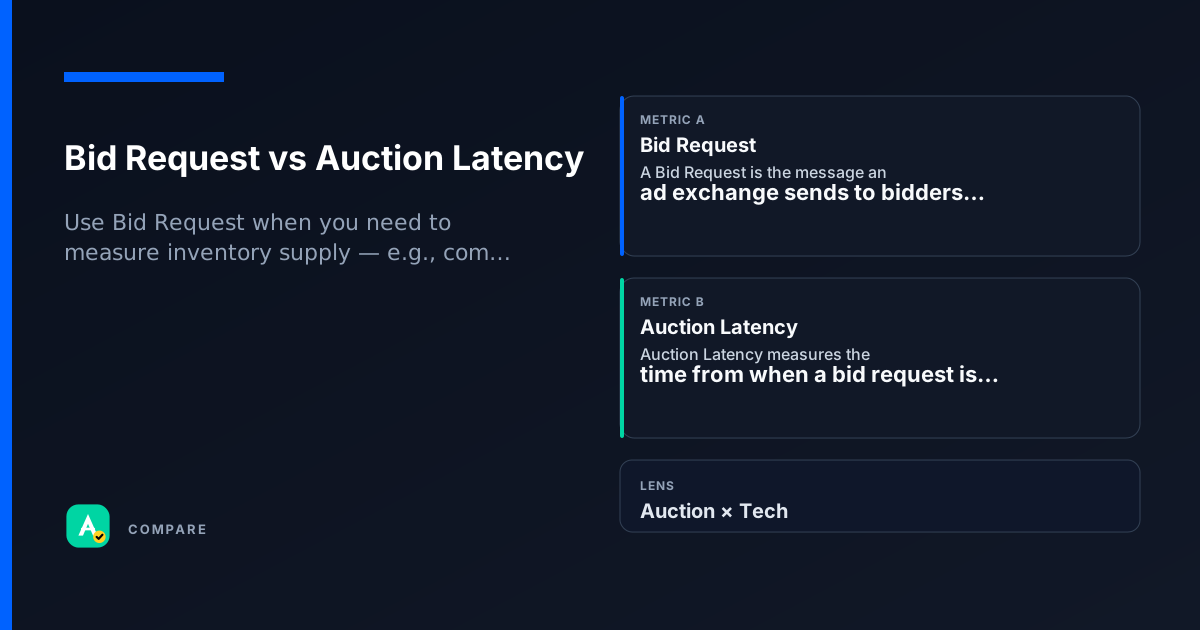
Bid Request and Auction Latency both describe the ad auction process, but they answer very different questions. Bid Request tells you how many opportunities exist; Auction Latency tells you how fast those opportunities are resolved.
Core difference: Volume vs Speed
Bid Request counts the number of times an SSP or exchange offers an impression to a buyer. It is a volume signal — more requests mean more potential revenue.
Auction Latency measures the time (in milliseconds) between when a bid request is sent and when the auction winner is returned. It is a speed signal — lower latency means faster page loads and better user experience.
Key contrast
- Bid Request = opportunity count
- Auction Latency = response time
- High bid requests + high latency = many opportunities but slow delivery
- Low bid requests + low latency = few opportunities but fast delivery
Which to use when
Pick Bid Request when:
- You want to measure inventory volume or ad opportunity supply.
- You are diagnosing low fill rate (are we even getting requests?).
- You are comparing demand sources (which SSP sends the most requests?).
Pick Auction Latency when:
- You care about page load speed and user experience.
- You are optimizing timeout windows (e.g., 200ms vs 500ms).
- You are debugging slow auctions that cause bid loss.
Use both together when:
- You want a complete auction health dashboard — volume + speed.
- You are tuning header bidding wrappers (balance request count vs latency).
How they diverge
What they measure
- Bid Request: Count of ad opportunities sent to buyers.
- Auction Latency: Time from request to response (ms).
Impact on user experience
- Bid Request: No direct impact on page load (just a signal).
- Auction Latency: Directly affects page load time and user experience.
Optimization lever
- Bid Request: Increase by adding more demand sources or ad placements.
- Auction Latency: Decrease by reducing timeout, limiting bidders, or using faster ad servers.
Where they overlap
Both are auction-level metrics
Both Bid Request and Auction Latency are generated during the real-time bidding (RTB) auction process and are visible in SSP dashboards.
Both affect revenue indirectly
Low bid requests can mean missed revenue; high latency can cause bids to be dropped, also reducing revenue.
Both are influenced by timeout settings
A shorter timeout reduces latency but may also reduce bid request volume if bidders are cut off early.
Real scenarios
High bid requests, low fill rate
Setup: A publisher sees 1M bid requests/day but only 30% fill rate.
- What happened: Many opportunities exist, but few are won.
- What they checked: Auction Latency was 800ms average — bidders timed out before responding.
Takeaway: High bid requests don't guarantee high fill rate if latency is too high. Reducing timeout from 1000ms to 400ms improved fill rate to 65%.
Low latency, low revenue
Setup: A publisher has 50ms average auction latency but revenue is flat.
- What happened: Auctions are fast, but few bidders participate.
- What they checked: Bid Request volume was only 10K/day — very low supply.
Takeaway: Low latency is good, but without enough bid requests, revenue stays low. Adding more demand sources increased bid requests 5x.
How they work together
Use Bid Request when you need to measure inventory supply — e.g., comparing SSPs, diagnosing low fill rate, or forecasting ad opportunities.
Use Auction Latency when you need to measure auction speed — e.g., optimizing page load, setting timeout limits, or debugging bid loss due to slow responses.
Use both when building a holistic auction health dashboard — volume without speed can hide performance issues; speed without volume can hide supply gaps.
Side-by-side snapshot
| Lens | Bid Request | Auction Latency |
|---|---|---|
| Definition | Number of ad opportunities sent to buyers | Time (ms) from request to auction winner response |
| Primary use case | Measure inventory supply | Measure auction speed |
| Impact on user experience | None directly | Directly affects page load time |
| Optimization direction | Increase by adding demand sources | Decrease by reducing timeout or bidders |
| Common reporting tool | SSP dashboard, ad server logs | SSP dashboard, real-time analytics |
Common pitfalls
Confusing high bid requests with high revenue
Why the confusion is wrong: More opportunities do not automatically mean more revenue — if latency is high, many bids are dropped.
- What to do instead: Always pair bid request volume with auction latency to understand true auction efficiency.
Optimizing latency without considering bid request volume
Why the confusion is wrong: Cutting timeout too aggressively may reduce bid request volume because bidders can't respond in time.
- What to do instead: Set timeout based on your bidder response distribution — use latency percentiles (e.g., p50, p95) to find the sweet spot.
For learning only. Not advice on bids or spend.
You may also like
Metrics
Bid Request (OpenRTB)
A Bid Request is the message an ad exchange sends to bidders (DSPs) to describe available inven…
AuctionMetrics
Auction Latency
Auction Latency measures the time from when a bid request is sent to when the auction decision…
TechRelationships
ROAS vs ROI
RelationshipsRelationships
Fill Rate vs RPM
Relationships